

Minehut
Beginner Guide
Last updated: July 10, 2026
Host your own free server or play community minigames on Minehut at play.minehut.com.
What Is Minehut?
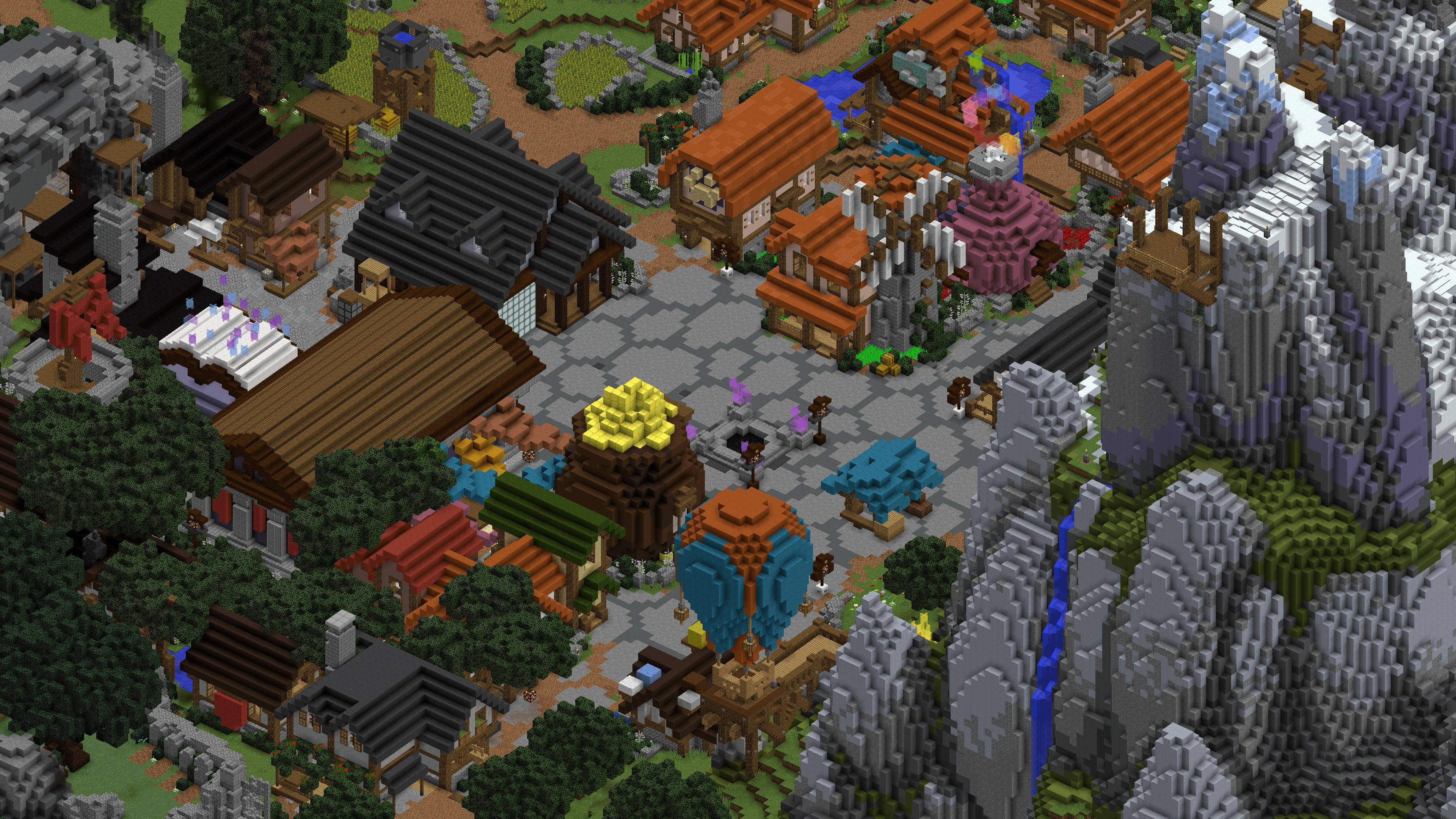
Minehut is a free Minecraft server hosting platform with a public hub at play.minehut.com. Unlike traditional networks, Minehut lets anyone create and host their own server for free with limitations on RAM and uptime.
The Minehut hub connects you to featured community servers running minigames, survival, and creative modes. You can also create your own server at minehut.com/dashboard.
Creating Your Own Server
Sign up at minehut.com with your Minecraft account. Click "Create Server" in the dashboard, choose a name, and select a plan (free tier gives limited RAM and daily uptime hours).
Install plugins from the Minehut plugin library — EssentialsX, WorldEdit, and LuckPerms are popular choices. Configure server.properties and start your server from the dashboard.
Playing Hub Minigames
Connect to play.minehut.com to access the Minehut lobby. Browse featured community servers via NPCs or the server browser. Popular community servers run Bedwars, Skywars, and custom gamemodes.
Hub server quality varies — community-hosted servers may have downtime or resets. Check player counts and ratings before committing time to a specific community server.
Plugins and Customization
Minehut supports Bukkit/Spigot plugins on paid and some free plans. Browse the plugin store in the dashboard and click Install. Restart your server after adding plugins.
Minehut does not support mods (Forge/Fabric) — it's plugin-based only. For modded servers, use Complex Gaming or host elsewhere.
Free vs Paid Plans
Free Minehut servers have limited RAM (typically 512MB–1GB), daily uptime caps, and queue wait times during peak hours. Paid plans unlock more RAM, 24/7 uptime, and custom domains.
For serious projects, the paid tier is worth it. For testing plugins or playing with friends occasionally, the free tier works fine.
Dashboard Management
The Minehut dashboard lets you start/stop servers, edit files, manage plugins, view console logs, and set up automatic restarts. Use the file manager to edit server.properties, ops.json, and plugin configs.
Back up your world regularly via the dashboard download feature. Free servers may be deleted after extended inactivity.
Finding Good Community Servers
The best Minehut community servers are featured in the hub with high player counts. Look for servers with active Discords, regular events, and responsive staff.
Join the Minehut Discord for server advertising, support, and featured server announcements. Server owners can apply for hub featuring through the Minehut team.
Minehut Tips
Optimize your server with ClearLag and Spark plugins to reduce lag on limited RAM. Keep player counts low on free plans (5–10 max) for playable performance.
If your server grows, upgrade to a paid plan before players leave due to downtime. Minehut is a stepping stone — many popular servers started on Minehut before moving to dedicated hosting.
Looking for more? Check our Minehut codes and tier list.
Related Games
 10K+
10K+GommeHD
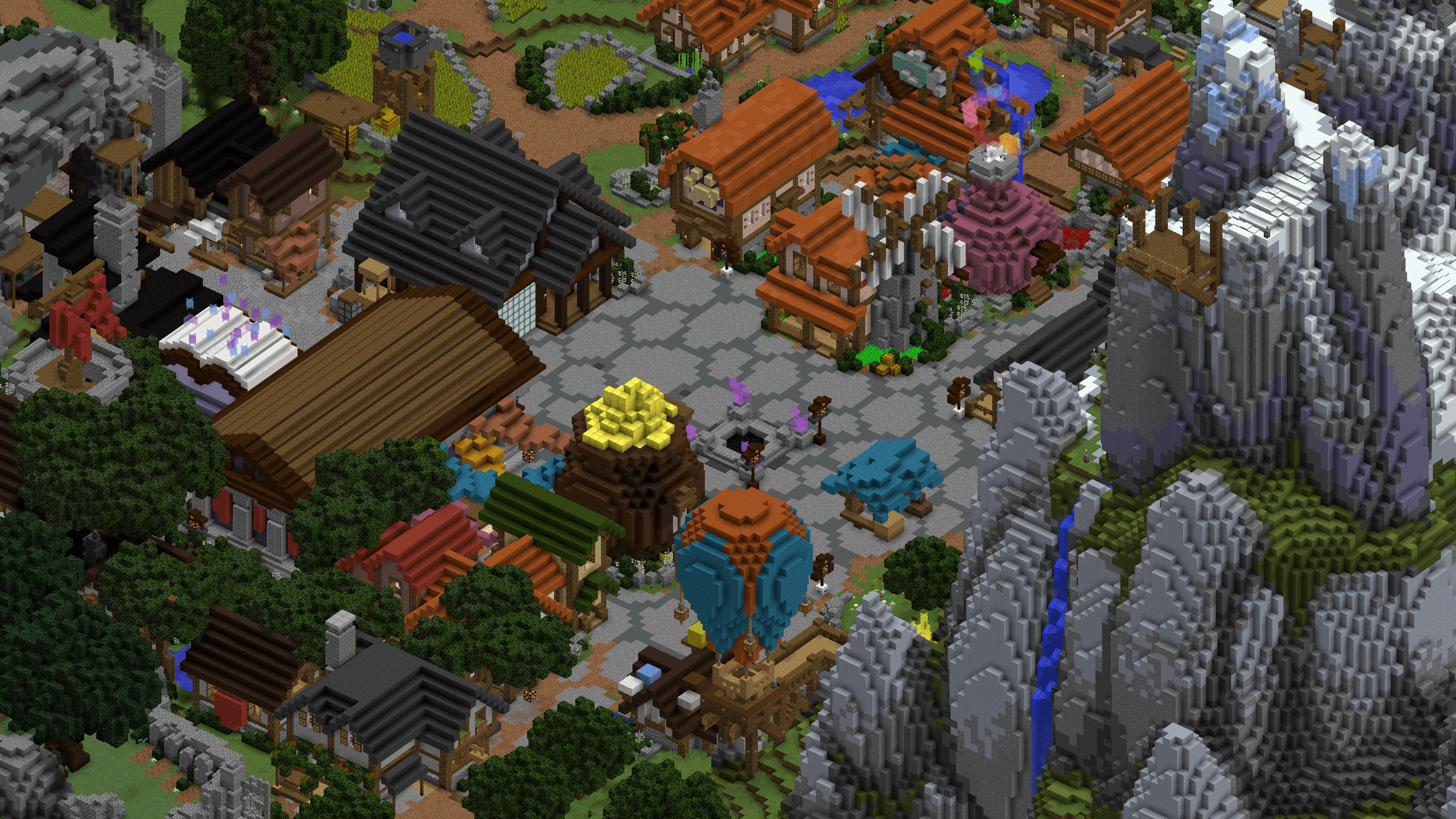
Germany's largest minigame network — CityBuild, Bedwars, and Hide and Seek.
 Codes
Codes Tier List
 Guide
Guide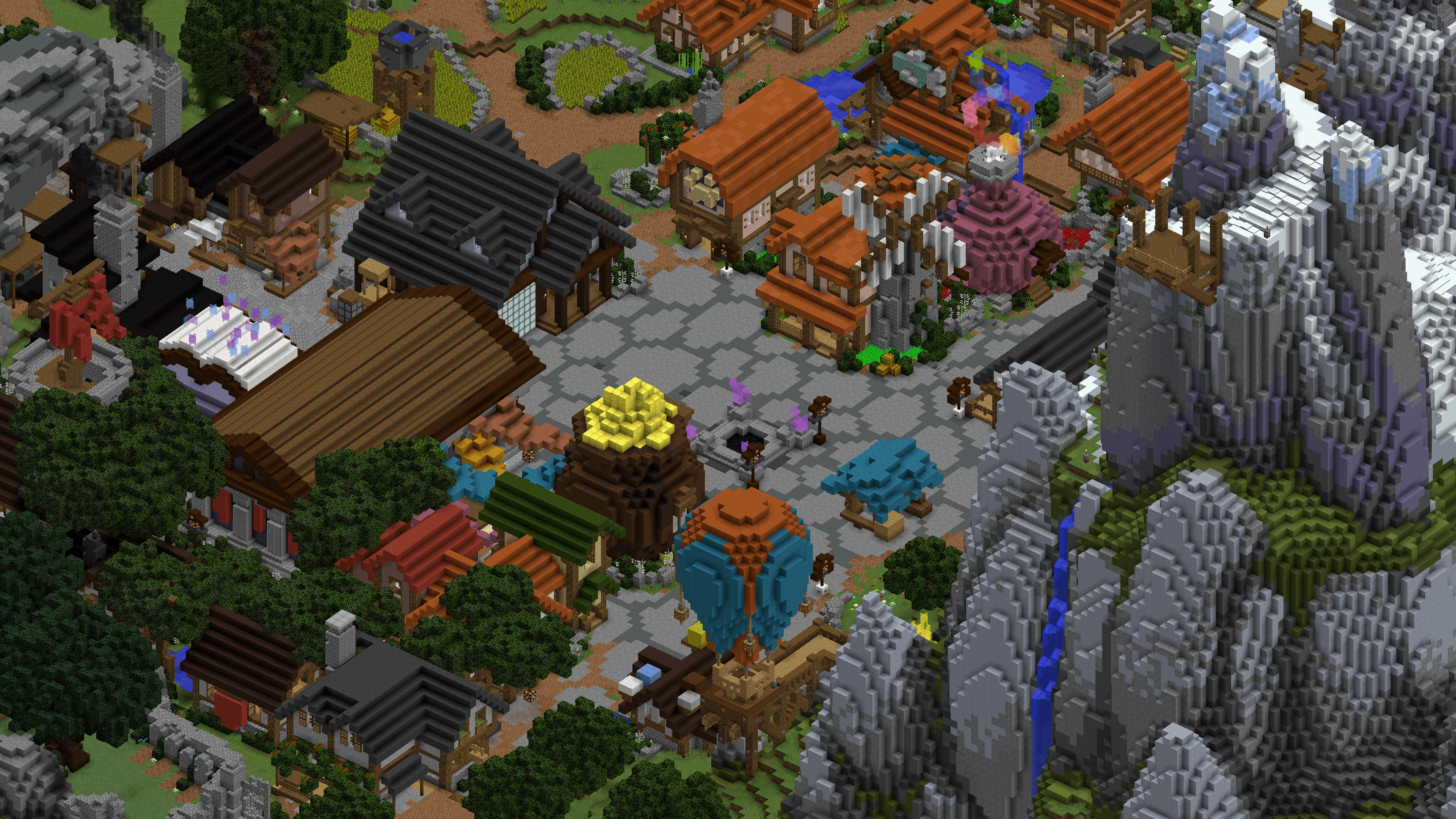 100K+
100K+Hypixel
The largest Minecraft minigame network — Skyblock, Bedwars, Skywars, and dozens of arcade modes.
 5K+
5K+MCC Island
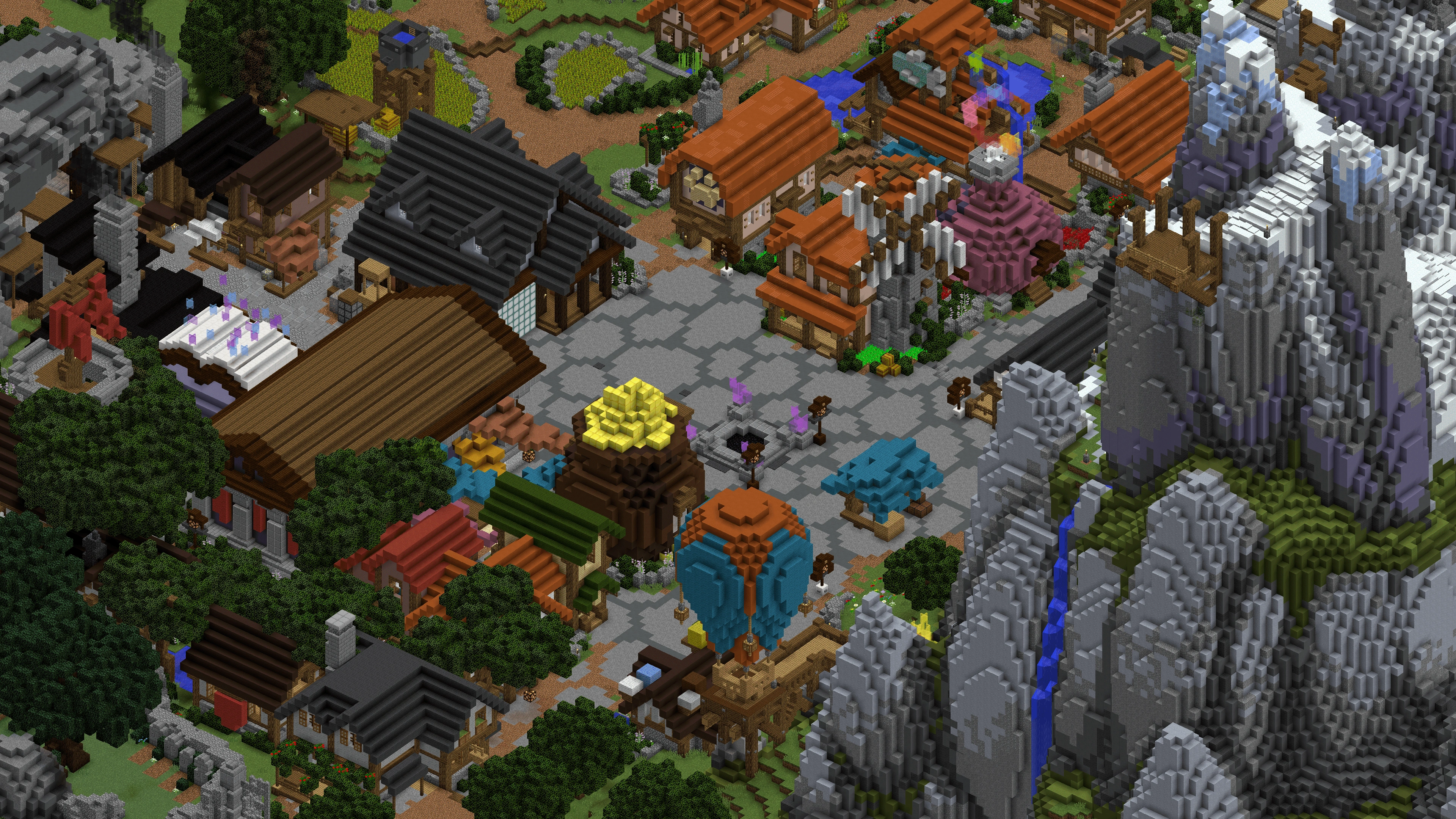
Official MCC minigame island — Parkour Warrior, Hole in the Wall, and more.
 5K+
5K+MineSuperior
Towny, Skyblock, Lifesteal, and Survival on a transparent player-first network.
 8K+
8K+Origin Realms
Vanilla-plus survival with custom mobs, dungeons, and a cozy community feel.
 3K+
3K+Performium
Survival, Skyblock, and creative plots with a friendly no-grief community.